Check URL/Link for Malware
Cybercriminals will go to any lengths to infiltrate networks and plant malware on website links with the intention of stealing personal and crucial data. However, you can learn how to check website link for malware and stay ahead of cybercriminals. The unscrupulous tactics they use range from using the internet, phishing emails to redirecting users to malicious web pages through hidden links.
Even though email providers are now wiser and taking security measures, detecting viruses and malware injected into the system through a link is harder to detect. Cybercriminals target websites by disguising a link to appear as something else, and on clicking on it, you find yourself in a malicious webpage.
The link introduces malware and other viruses into the system, making it possible to manipulate, destroy, and steal information or corrupt your data. Moreover, they are experts at what they do, so it is hard to detect URL malware. Continue reading to find out how and where to get help to check website link for malware.
5 Tips to check website link for malware
If you come across a link that makes you hesitate to click because you are unsure how safe it is, you should probably not do so until you are certain of its safety. It is not an easy thing to do, especially if you have not had the misfortune of dealing with the hacking of any sort. The following tips will help you to stay on the clear.
1. Hover a little longer over the link
Even though this might seem like the least cybersecurity tip to take, if you suspect a malicious link, do not rush into clicking it open. Instead, place the mouse pointer over it and, without clicking, wait for the link destination to appear. If the link destination is a site, you are not expecting, forget the whole exercise, or seek experts to check link safety.
2. Scan and analyze the link
You can also scan and analyze the link to determine its safety by using some of the most popular and trusted URL scanning websites ad plugins. Some of the things the URL scanners check include any reported information about the links for hosting viruses or malware, phishing, or any other activities that might harm your information or data.
Some of the most popular scanning sites include - Kaspersky, and ScanURL, among others. Copy and paste the link in the scanner without opening it, and wait for it to go through background checks.
3. Use the inspect link menu.
Another way to check website link for malware is by clicking on the inspect menu that brings out the complete URL length. Even though Inspect menus come in different names, today's web browsers come with the option. If you are using Mozilla Firefox, the name of the menu is Inspect Element, while in Microsoft Edge and Chrome, the name is Inspect.
Right-click on the URL, and then from the pop-up menu, select Inspect or Inspect Element depending on the browser you are using. Once you get the link's full length, learn more about it by using other available features. Some of the possible results you will get include data on whether the URL is secure and whether its server certificate is valid.
4. Be on the lookout for strange encoding on the link.
Character encoding is another way cybercriminals spread malware and viruses to the system because it conceals the URL's intended destination. Cybercriminals also know that many people struggle to decode hard codes, which makes their work of spreading malicious attacks easy.
However, you can use a decoder to check website link for malware by deciphering the encoded link's destination. The decoding tool helps to unmask the link's motives, nature, and destination. Moreover, it makes the link easier to read and analyze by reversing the encoding.
5. Check if it is HTTPS:// and not HTTP://
Check if the web page address you are visiting has an HTTPS:// or HTTP://. HTTPS:// is safe, while HTTP does not provide you with enough webpage security. HTTPS means the URL is secure as it includes a secure encryption layer to all the communications you send over and through the website you are using. It protects against eavesdropping and any man-in-the-middle cyberattacks.
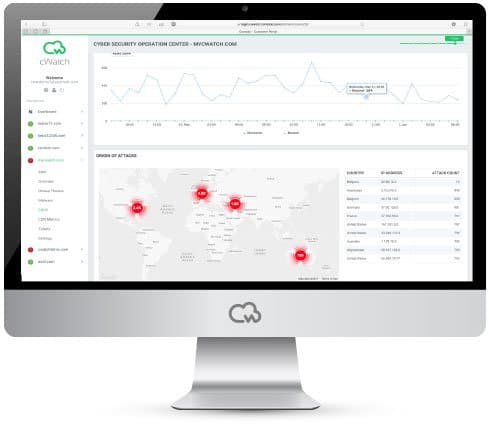
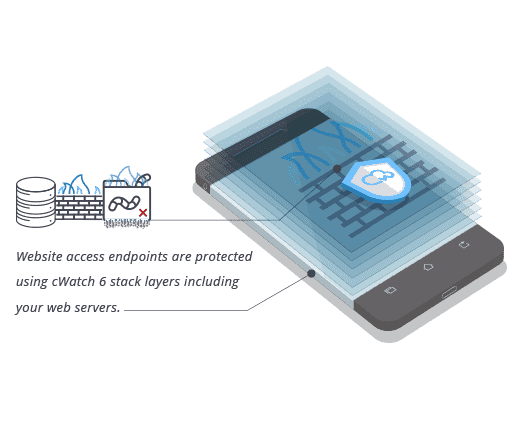
cWatch Website Malware/Viruses Checker
Frequent monitoring of your website activities includes checking links for malware to stay a step ahead of cybercriminals. You have to remember that cybercriminals are good at what they do and will go to any lengths to get what they want. Frequent monitoring and updating are not enough to protect your content and information from cyberattacks, which is why you should also incorporate the help of reliable website security experts.