Cyber Security Attacks
As the threat to websites, personal information, and web applications grows, the demand for better protection against web security attacks becomes basic.
A security breach in your systems could mean huge losses, leaked private details, or even ransom situations. Prioritize your web security by exercising simple tasks that keep you safe every day.
How to Protect from Web Security Attacks?
1. Update your Systems and Software
Outdated systems and software in web applications are the most prevalent reasons people get hacked. Cyber criminals often exploit security cracks left by old systems, and use them to gain access to your web.
Boosting the security of all your web applications and websites by updating old drivers, software, and data, will keep you safe from cyber-attacks. If you suspect malicious activity is going on in your web, seek professional redress, immediately.
2. Train your Workers on Web Security Attacks
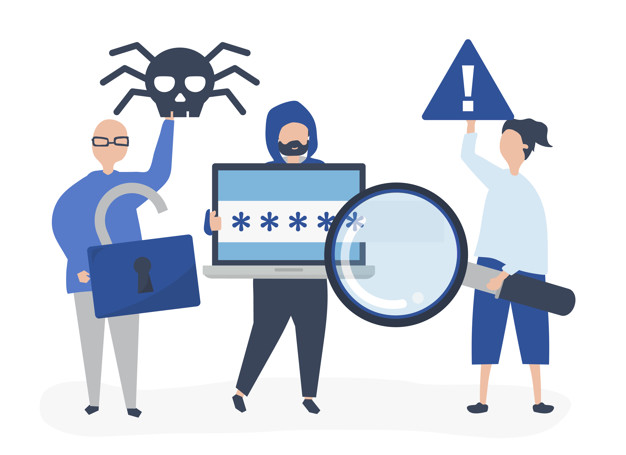
Through employees, both large and small businesses suffer at the hands of hackers. The individuals tasked to do security checks often have little to no knowledge on cyber-attacks scenarios, how to manage them, and integrating system security protocols and as such, require adequate sessions on the same.
You can choose to personally train your workers, or let a professional outfit educate them on how to:
- Cross check emails that arrive
- Beware of malicious external links
- Avoid sharing private, sensitive information to outside parties
- Use antivirus software
Always open user individual accounts for every employee, for easier tracking of web activity
3. Change Passwords Frequently
Having a “one password for all” puts you at higher jeopardy of a web security attack. When hackers with malicious intent gain access to your website, email, and bank account with a single password, they may cause serious damage.
Regularly updating or changing your passwords helps avoid any loss of information to the web hackers. If possible, routinely cycle your passwords after one week.
4. Back up your Data
As insurance always back up your data in case of a serious breach to website, or web applications. Make backup copies of the content, projects, and data you store in both areas.
5. Limit Access to Database
If most employees have access to your web systems, it is hard to locate the source of a breach. Limiting the number of workers with access to important web information will prevent loss of data and make it easy to find any internal problem.
Be vigilant of anyone who tries to gain forceful access to your database, more often than not, this is the culprit who corrupts your systems, and leak private information.
Top 4 Common Types Of Cyber Security Attacks Vulnerabilities
Some of the top common web security attacks are mentioned below;
1. Security Misconfiguration
Lack of a good, automated process can cause web server and application misconfiguration. With no clear data path, your web is at risk of malicious attacks from viruses and hackers.
Natural causes of misconfiguration are:
- Applications running with a debug enabled production
- Directory listings on the server
- Unnecessary running services
- Leaks of handling information to attackers
Keep your servers well-configured for better protection against web security attacks.
2. Data Exposure
While in transit or at rest, sensitive data should always be encrypted. Ensuring that your credit card information is encrypted while stored, the cookies have a secure flag, or passwords are hashed, protects you from external attacks.
Avoid including session IDs and sensitive data in the URLs, and always reject non HTTPS connections. Boost your back up security by encrypting them and storing the keys privately, away from the protected data.
3. Broken Authentication
Without a proper framework to enroll your codes, a broken authentication may leave you vulnerable to web hackers.
It usually results in:
- Session fixation
- Unencrypted passwords in transit or storage
- Leaked session IDs to the URL and referrer header
- Predictable ID sessions
- Abrupt session timeouts
4. Injection Flaws
When untrusted input finds its way into the SQL server and finally to the browser unfiltered, attackers can inject commands and cause data loss. Ensure input going into your application, is filtered unless you completely trust it.
Always rely on your framework’s filtering functionality, as opposed to doing it yourself.
Conclusion Web Security Attacks
Although web security attacks continue to tear down servers and applications, it is a problem that can be fixed. By doing simple tasks such as training your workers on web matters, changing passwords more often, backing up important data, and limiting access to the database, will save you from external attackers.
Always remember to check on the security configuration, authentication, data exposure and injection flaws in your server and application, to be sure you’re safe.
Related Article